

Combine Two Images into One with AI
Upload two images and create one polished visual with Dovoo AI. Combine products, people, backgrounds, and references for product photos, ad creatives, portraits, fashion visuals, and social media covers.
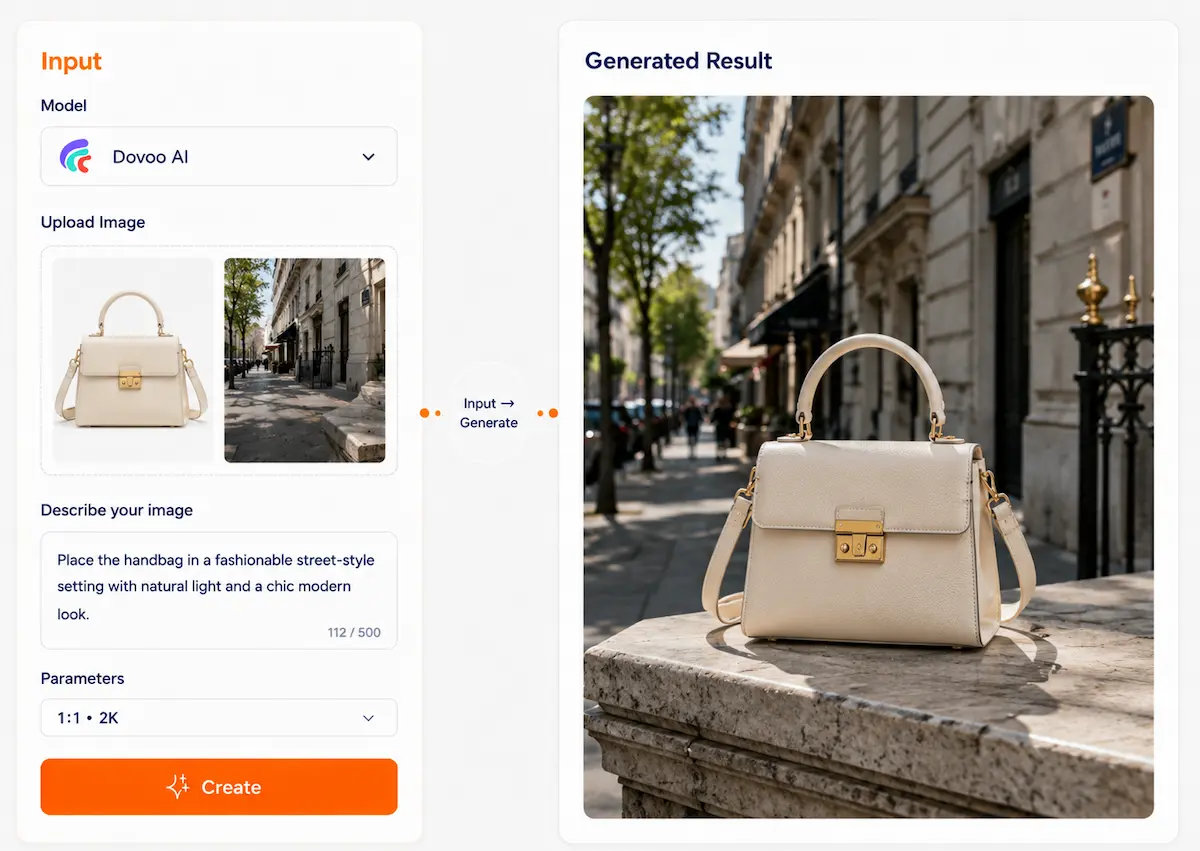
Image to Image AI Tool
Multiple images, one unified result
Upload several reference images and let AI combine people, products, scenes, styles, backgrounds, or visual details into one new image. Use multiple inputs to guide the final result more clearly than a single prompt, making it easier to create product visuals, character scenes, brand assets, social content, and creative compositions.
Why multi-reference image generation matters
When one image is not enough, a text prompt alone often cannot describe every detail you want. You may need one image for the subject, another for the background, another for the style, and another for the pose, product angle, or visual atmosphere.
Hard to describe everything with text
A prompt can explain the idea, but it may miss facial details, product shape, clothing, scene layout, colors, or brand style. Reference images help AI understand what should stay visually important.
Difficult to merge different assets manually
Combining a person, product, background, or style from separate images usually requires editing tools, masking, retouching, and color matching. Multi-reference AI reduces the need for complex manual work.
Inconsistent style across images
Images from different sources may have different lighting, angles, color tones, image quality, and visual styles. AI can help create a more unified result from mixed visual references.
Recreating assets wastes time
When you already have useful images, starting from zero is inefficient. Multi-reference image generation lets you reuse existing assets and turn them into new creative outputs.
The value is not just combining images, but guiding the result
Multi-reference image generation is not a basic collage tool. It uses several images as visual guidance, then generates a new image based on your prompt and selected references.
With Dovoo AI, users can access multiple leading image models in one workflow and choose the model that works best for different creative needs, such as character consistency, product scenes, realistic edits, style exploration, or commercial visual creation.
Subject reference
Use one image to guide the main subject, such as a person, product, character, object, or pet.
Background reference
Use another image to define the scene, environment, room, outdoor location, studio setup, or atmosphere.
Style reference
Add a style image to guide the final look, such as realistic, cinematic, illustration, anime, 3D, editorial, or brand visual style.
Pose or composition reference
Use a reference image to guide posture, layout, camera angle, product placement, or overall composition.
Detail control
Guide details such as clothing, materials, lighting, colors, mood, product texture, or visual identity.
Multiple references → one new image
See how different image inputs can guide one final AI-generated result.
Put a person into a new background
→ Keep the person as the main subject while changing the scene, lighting, and atmosphere.
Person photo + background image
A natural portrait placed into the new scene
Turn product photos into commercial visuals
→ Use a product image as the main reference and generate a cleaner, more professional scene around it.
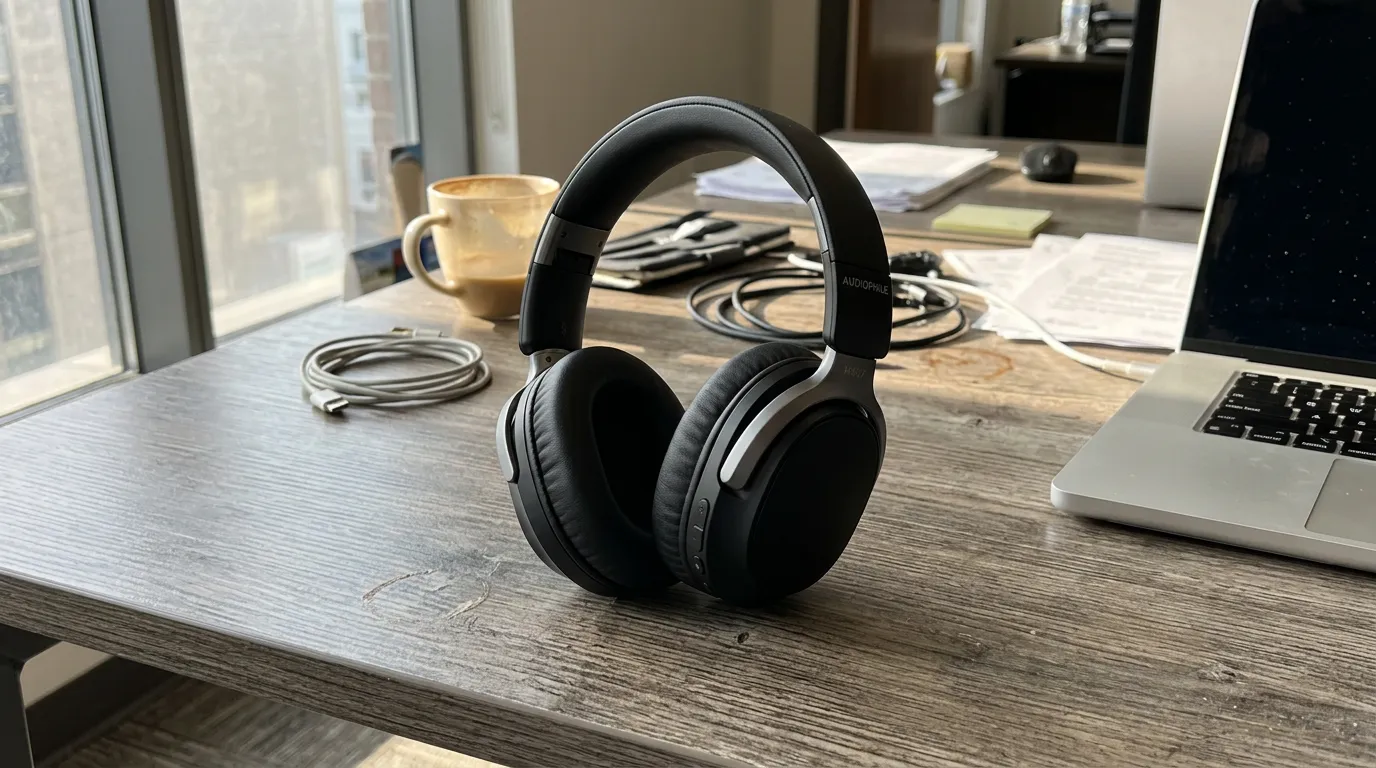
Product photo + background/style reference
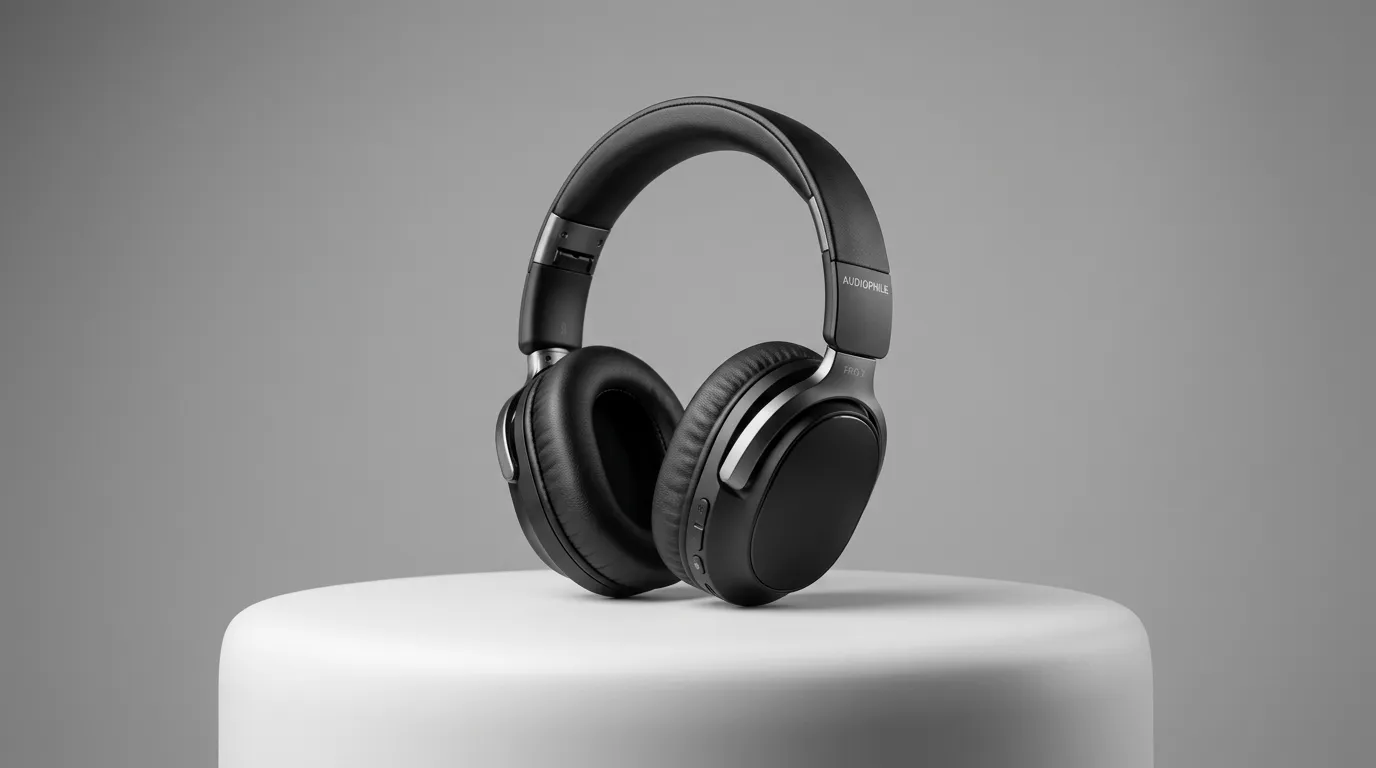
A polished product image with better scene, lighting, and commercial presentation
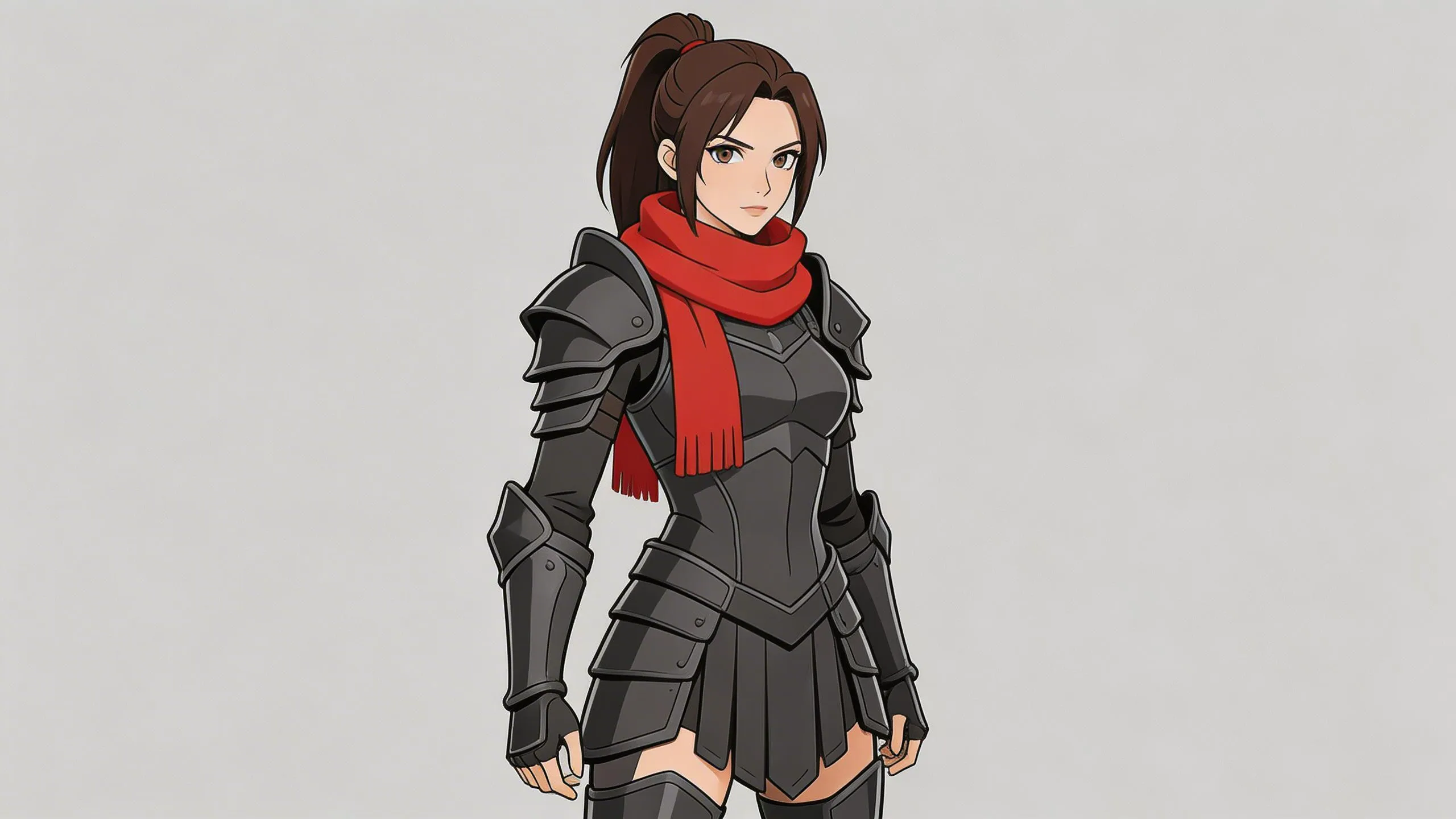
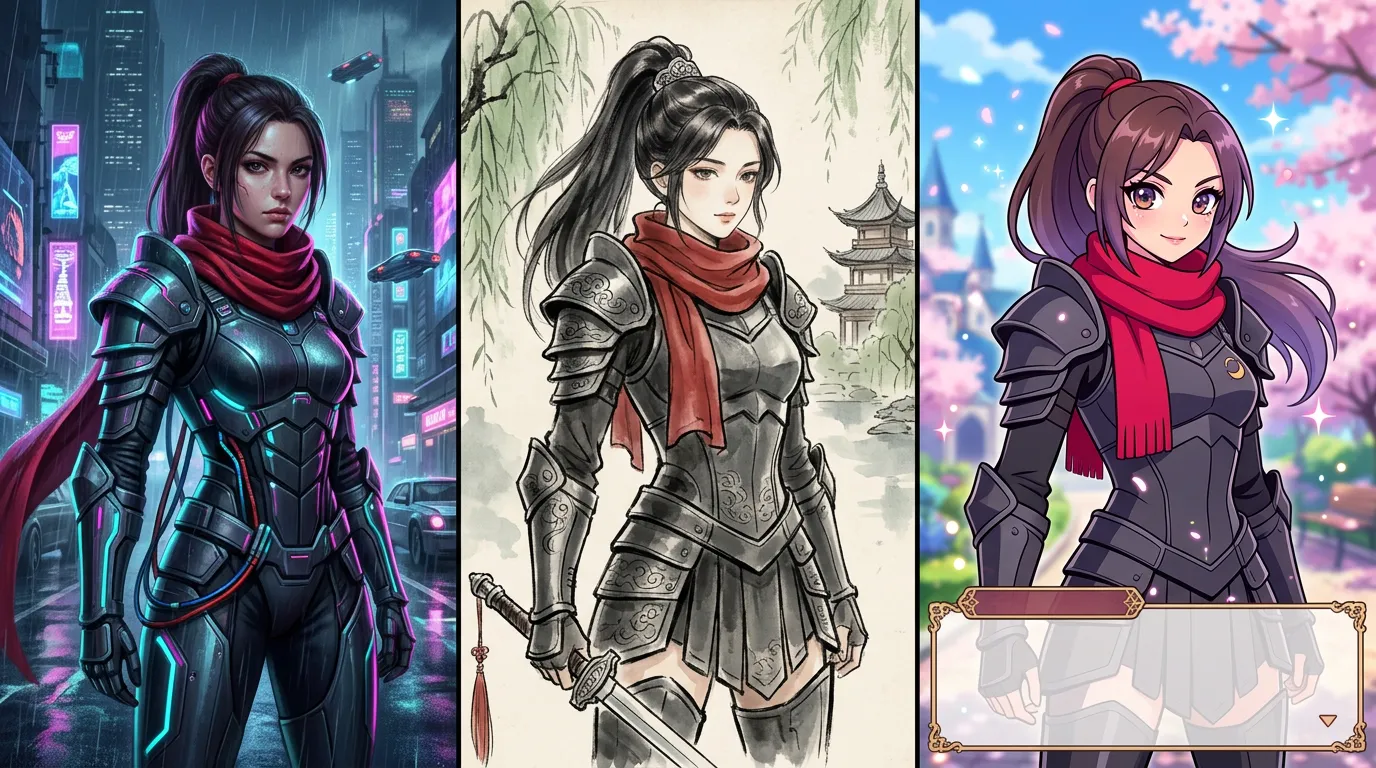
Create new character visuals from references
→ Use a character image as the base reference and generate new styles, outfits, scenes, or moods.
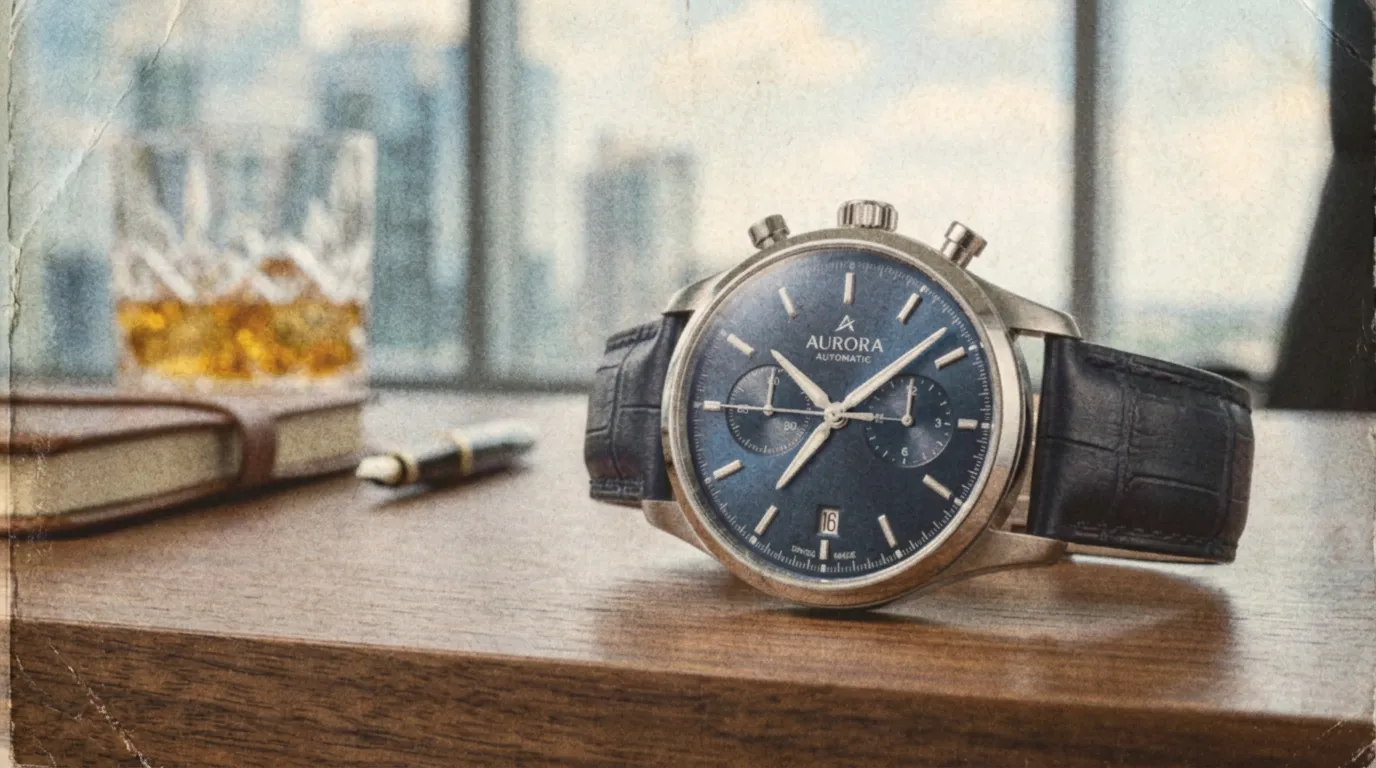
Character design + style reference + scene reference
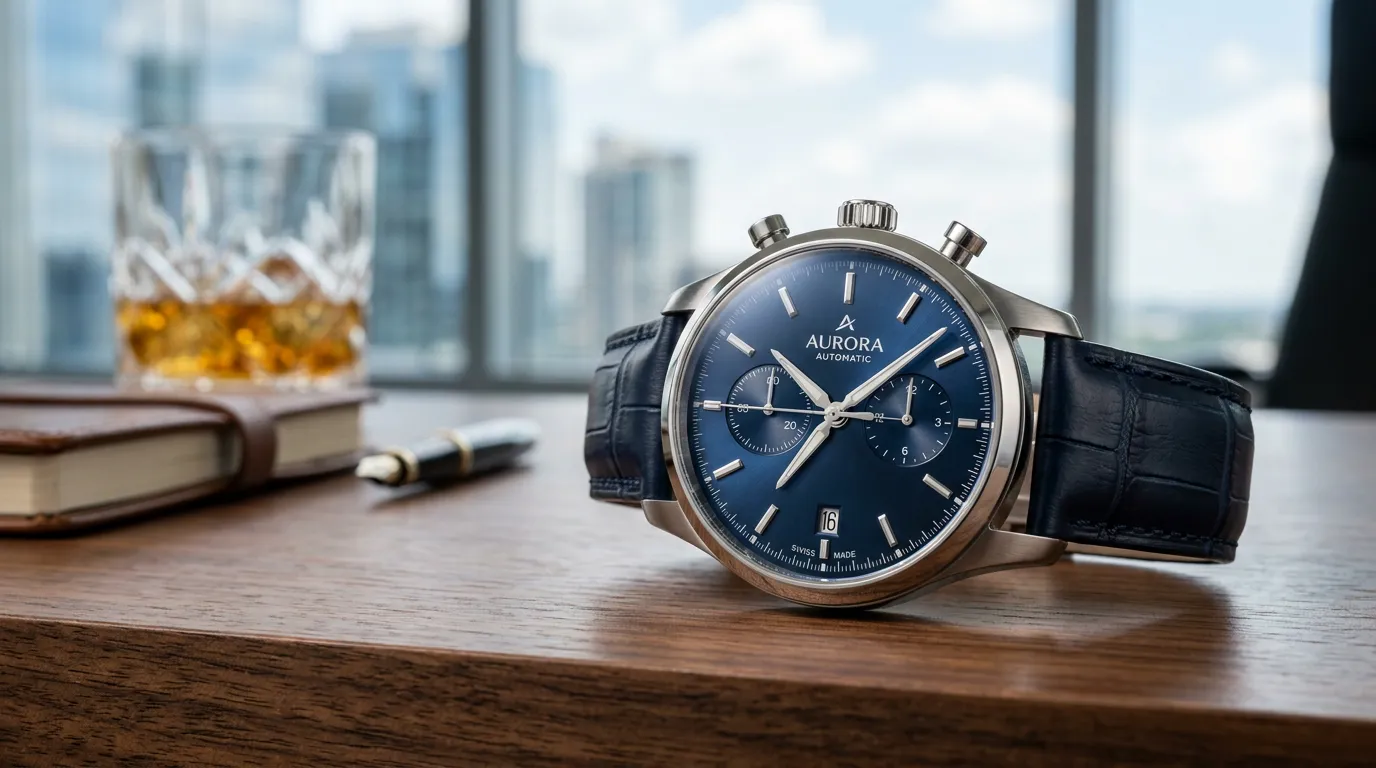
A new character image that follows the selected visual direction
Unify scattered brand assets
→ Combine different photos, products, colors, or scene references into a more consistent visual direction.
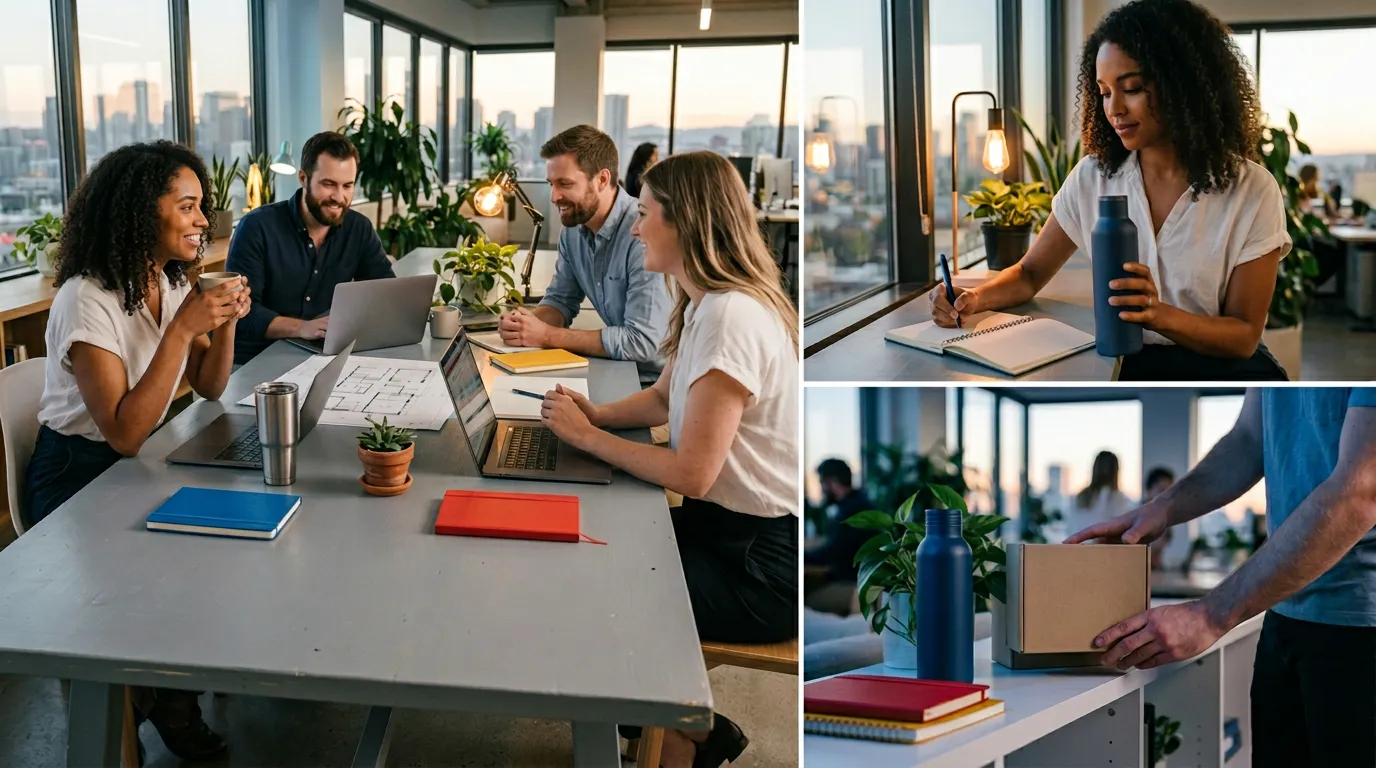
Existing brand photos + product images + style references
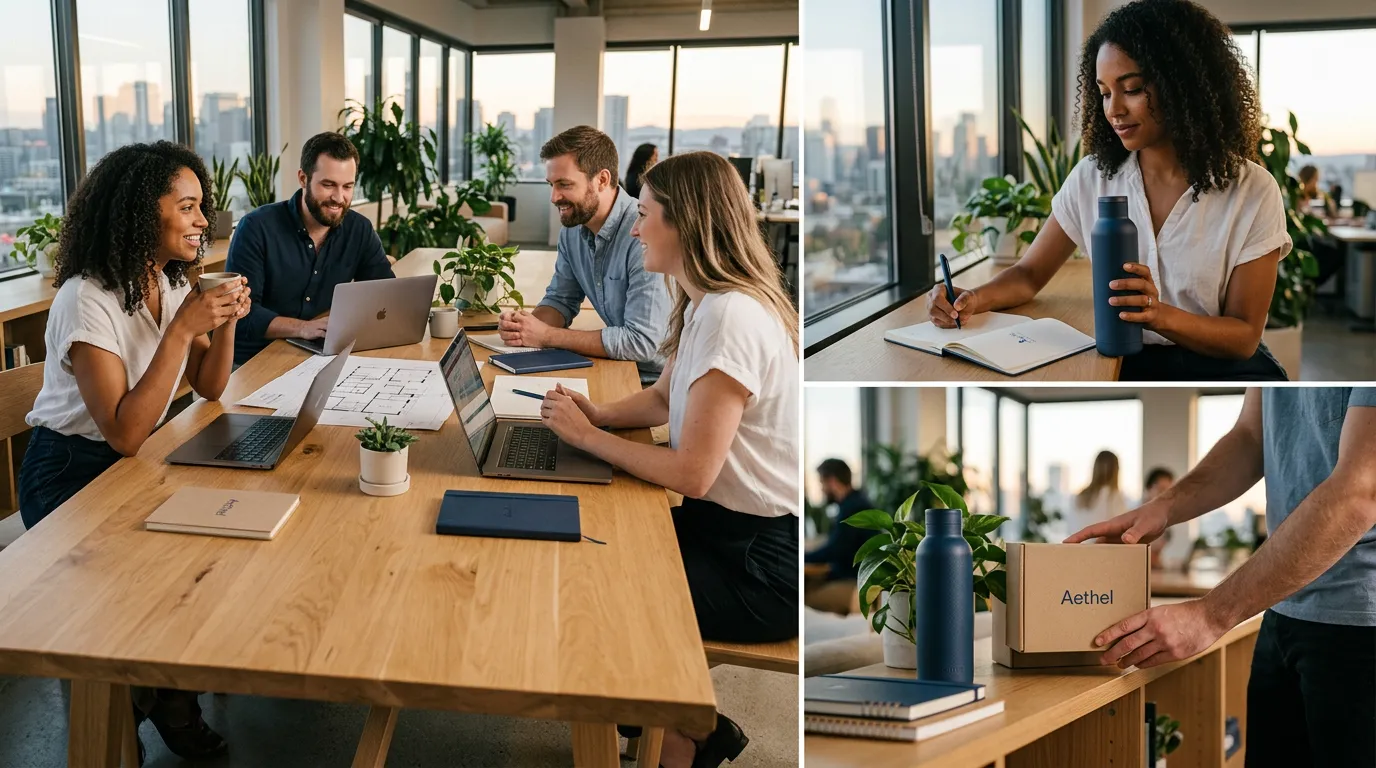
A unified visual asset that better matches the brand look
For different creative workflows
Use multiple reference images to guide one result across real production scenarios.
E-commerce & brands
- Product-in-scene images
- Lifestyle product visuals
- Brand style consistency
- Campaign asset creation
Social media content
- Profile images
- Creator thumbnails
- Instagram and TikTok visuals
- Reusable content variations
Advertising & marketing
- Ad concept testing
- Visual direction exploration
- Scene replacement
- Faster campaign iteration
Character & IP creation
- Character style variations
- New outfits and scenes
- Pose and mood exploration
- Game and story visuals
Design & creative work
- Moodboard to final image
- Style reference application
- Concept image creation
- Visual idea development
Personal photo editing
- Put people into new scenes
- Combine person and background photos
- Create stylized portraits
- Make creative image variations
but controlled visual creation Multi-reference image generation helps you describe the result with images, not only words. Upload references, write what you want to change, and create one new image with clearer visual guidance.
Try nowWhy choose Dovoo AI
Professional tools for real workflows
Use multiple AI models in one place
Access leading AI models with one account for image, video, and creative generation.
One subscription, less hassle
Avoid paying for multiple platforms and manage your creative tools more easily.
Reuse assets across workflows
Keep using your uploaded images, videos, and brand assets across different creative tasks.
Create faster with one workflow
Work in a unified creative process and export clean, watermark-free results.
Export watermark-free results
Download clean, watermark-free creations ready for publishing, ads, presentations, and commercial use.
How to use
4 steps to create with multiple reference images.
Upload reference images
Upload two or more images, such as a person, product, background, style, pose, or scene reference.
Describe the final result
Tell AI how the images should be combined. For example: place this product in this scene, keep this person, use this style, or match this background.
Choose a model
Select a suitable image model for your target result. Different models may perform better for different image styles and use cases.
Generate and refine
Create the result, compare outputs, adjust your prompt or references, and generate again if needed.
Showcase
See what users can create with multi-reference image generation.
FAQ
Different models may perform better for different goals, such as realistic photos, product visuals, stylized images, character work, or creative edits. The best approach is to test a few models with the same references and compare the results.
Start creating with multiple reference images
Upload your images, describe the result, and turn different visual references into one new AI-generated image.
Start creating