Upload an image and transform it with AI
Upload your image, describe how you want to change it, and create a new version for product photos, background changes, headshots, ad creatives, style transfer, and more.
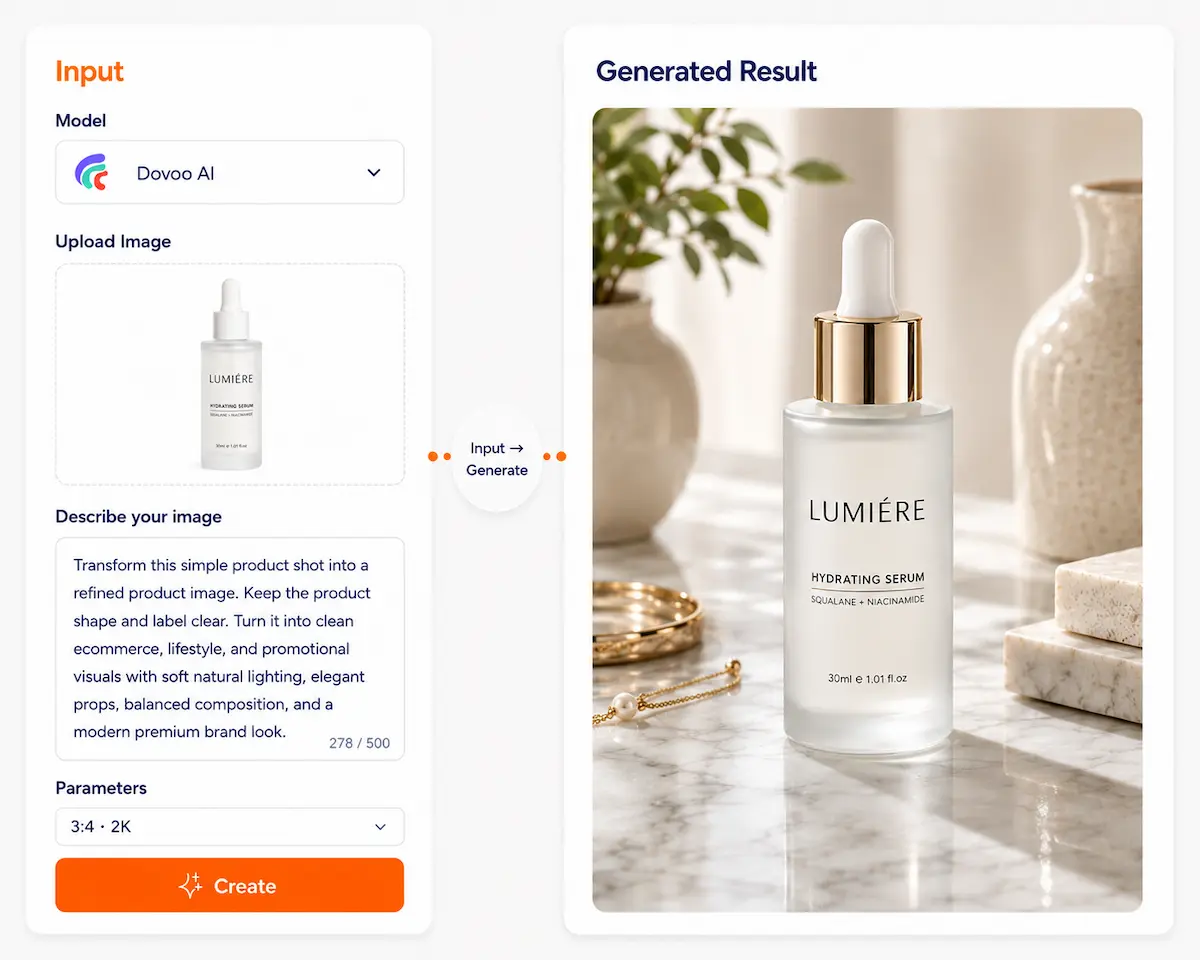
Image to Image AI Tool
One image, endless possibilities
Just upload your source image, and AI will automatically generate multiple styles or variations. No manual editing, no design software—quick new creative assets suitable for social content, brand design, product showcases, and more.
Reuse existing assets instead of starting over
When you already have an image, what you really need is often not "regenerate" but modify, repaint, unify, extend, or upgrade quality. Design work wastes too much on "repetitive labor" rather than creation.
High modification cost
Change a pose → redraw. Change style → redo. Change color → re-render. Change details → PS pixel by pixel.
Uncontrollable AI output
Character looks right but pose is wrong. Composition is right but style is off. Details are correct but proportions collapse. You need fine-tuning, but AI only redoes from scratch.
Hard to unify style
Multiple assets: character styles inconsistent, e‑commerce product batches differ, brand visuals scattered. Manual unification is very costly.
Resolution and detail bottleneck
Client wants higher resolution, sharper, more commercial-ready. Source images are only compressed files, screenshots, or old assets.
The value of image-to-image is not "generating" but controllable refinement
Dovoo AI integrates leading text-to-image AI models globally, including: Nano Banana,Seedream,Grok Imagine,Wan,Qwen Image,Hailuo,GPT Image,Imagen,DALLE3,Kling.
No need to register on multiple platforms. With one Dovoo AI account, you can experience and use these mainstream AI image models for fast, batch high-quality image generation.
Precise modification
Keep subject structure, only change specified parts. Change clothes / expression / background / material.
Style transfer
Convert images to specified art styles. Realistic → illustration → 3D → anime → brand visuals.
Composition preserved
Keep pose, perspective, composition. AI does not "reshoot" but "works on the original image."
HD enhancement
Improve resolution and detail usability. For commercial printing, e-commerce main images, cover art.
Batch consistency
Unify visual standards across multiple images. For brand and character asset management.
One image → endless creativity
See how AI turns your images into more possibilities
Character redesign
→ Keep facial features consistent, only change style
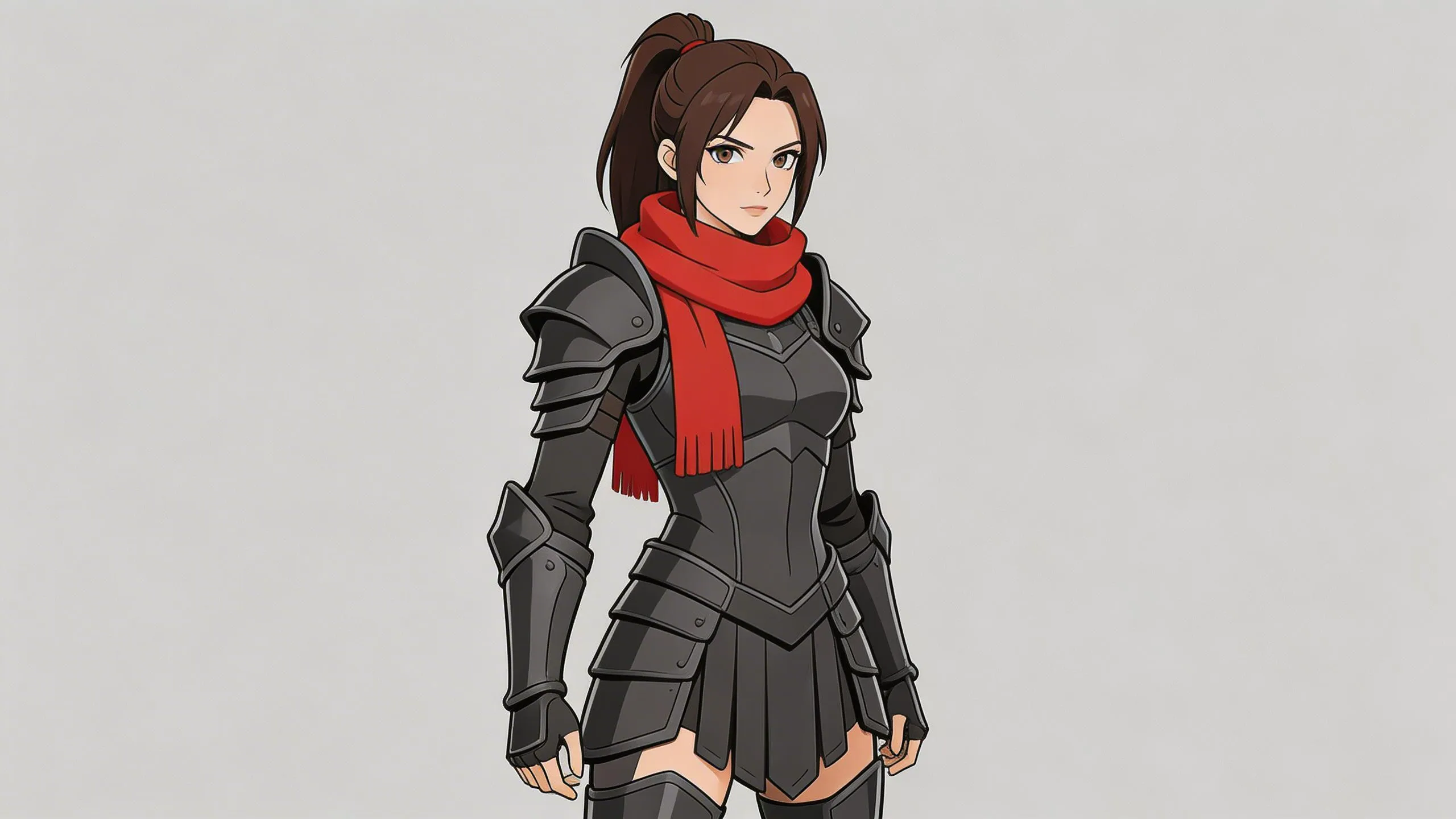
Basic character concept
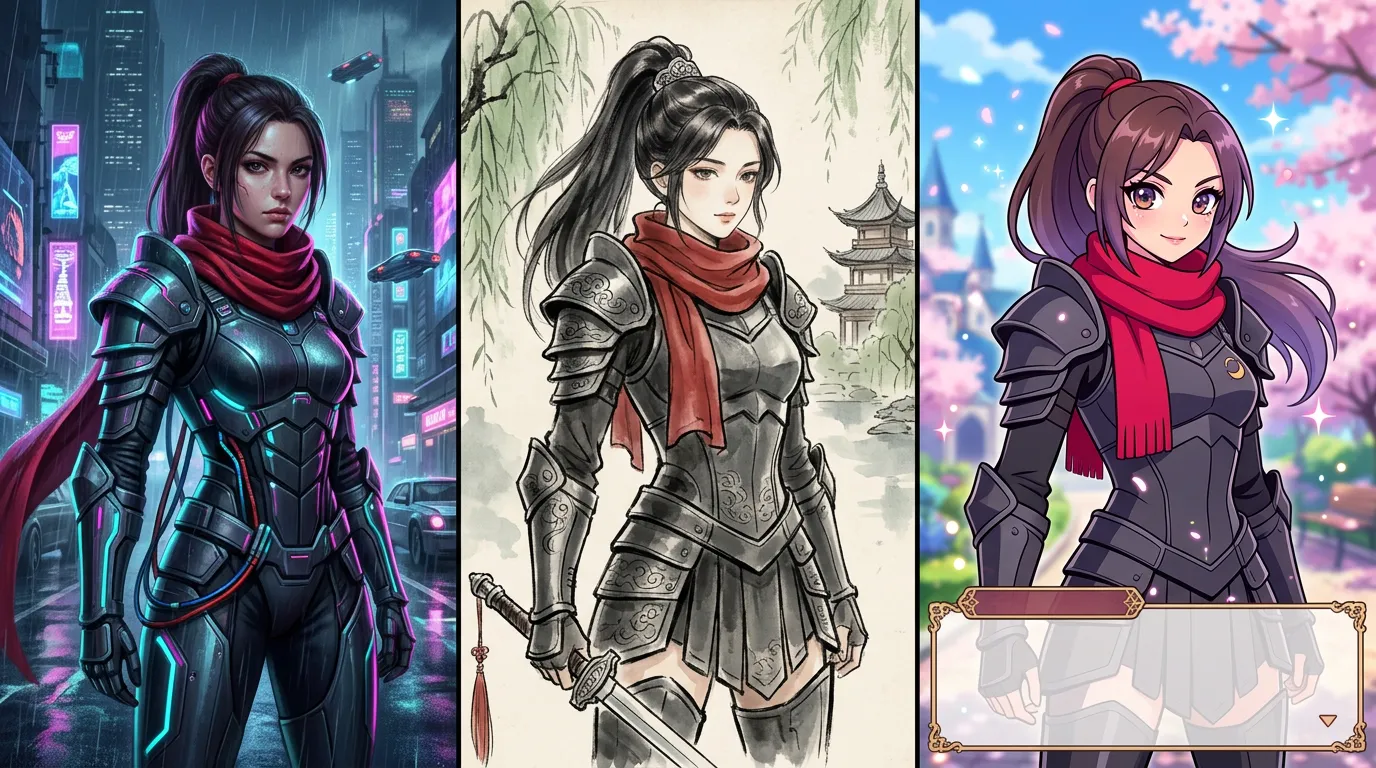
Cyberpunk / Traditional / ACGN 2D style
Commercial product optimization
→ No reshoot needed
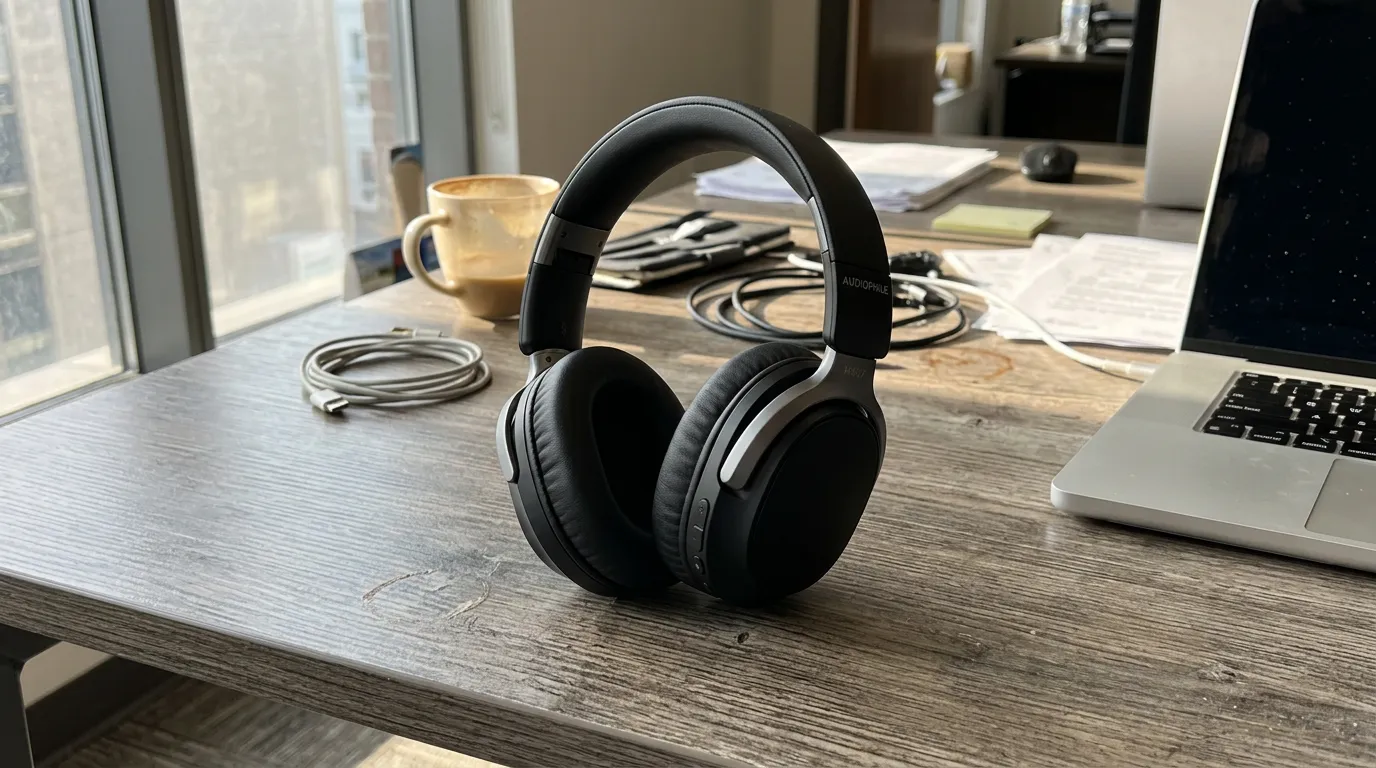
Phone snapshot
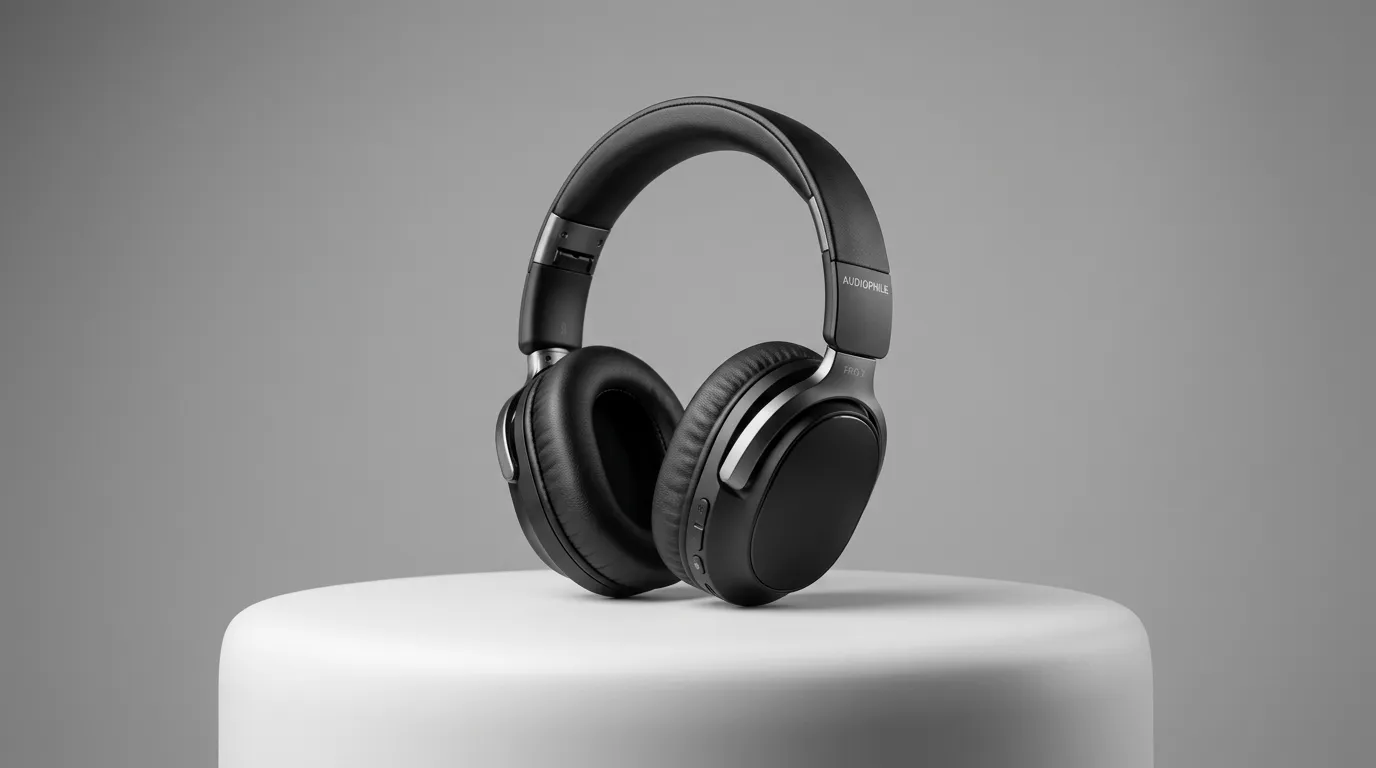
Studio lighting + clean background + commercial shadows
Legacy asset upgrade
→ Ready for advertising
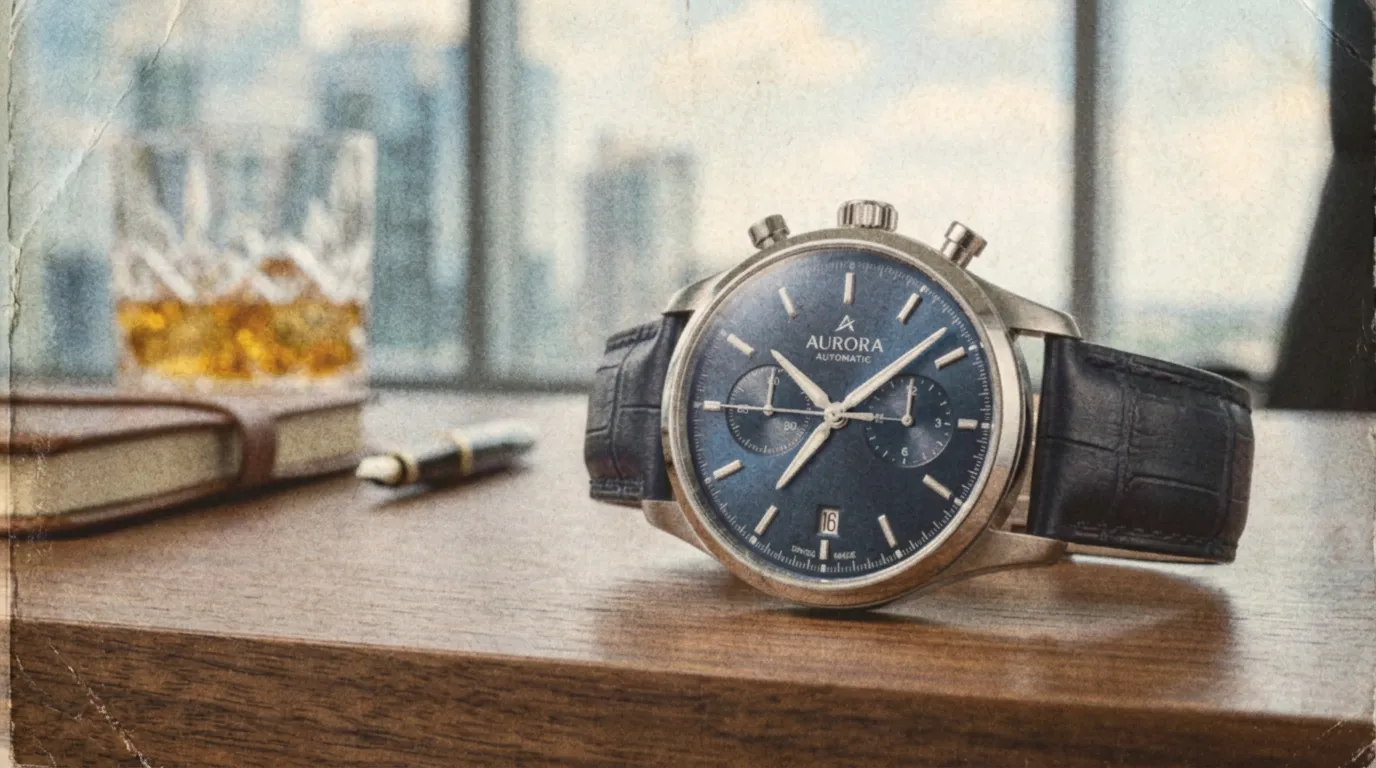
Low-res vintage poster
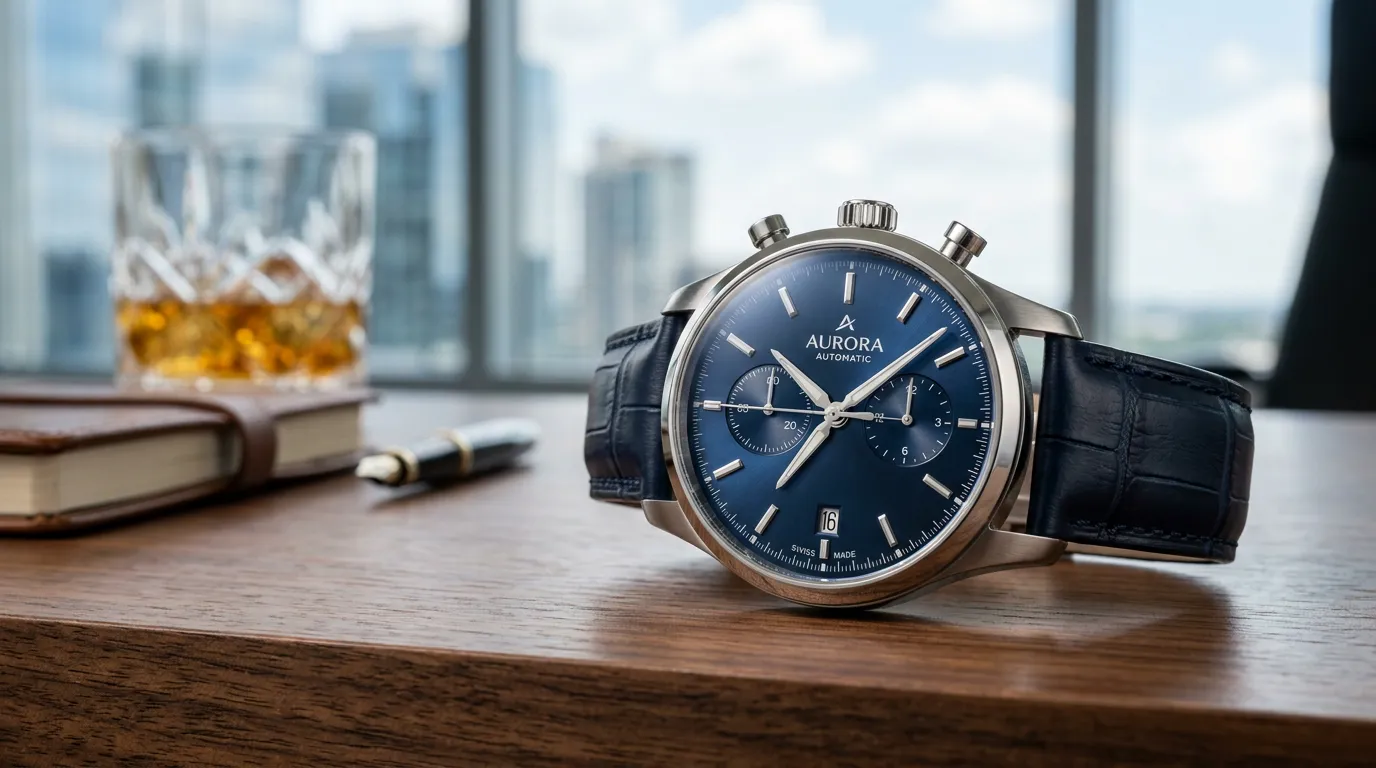
High-res print-ready image
Brand visual unity
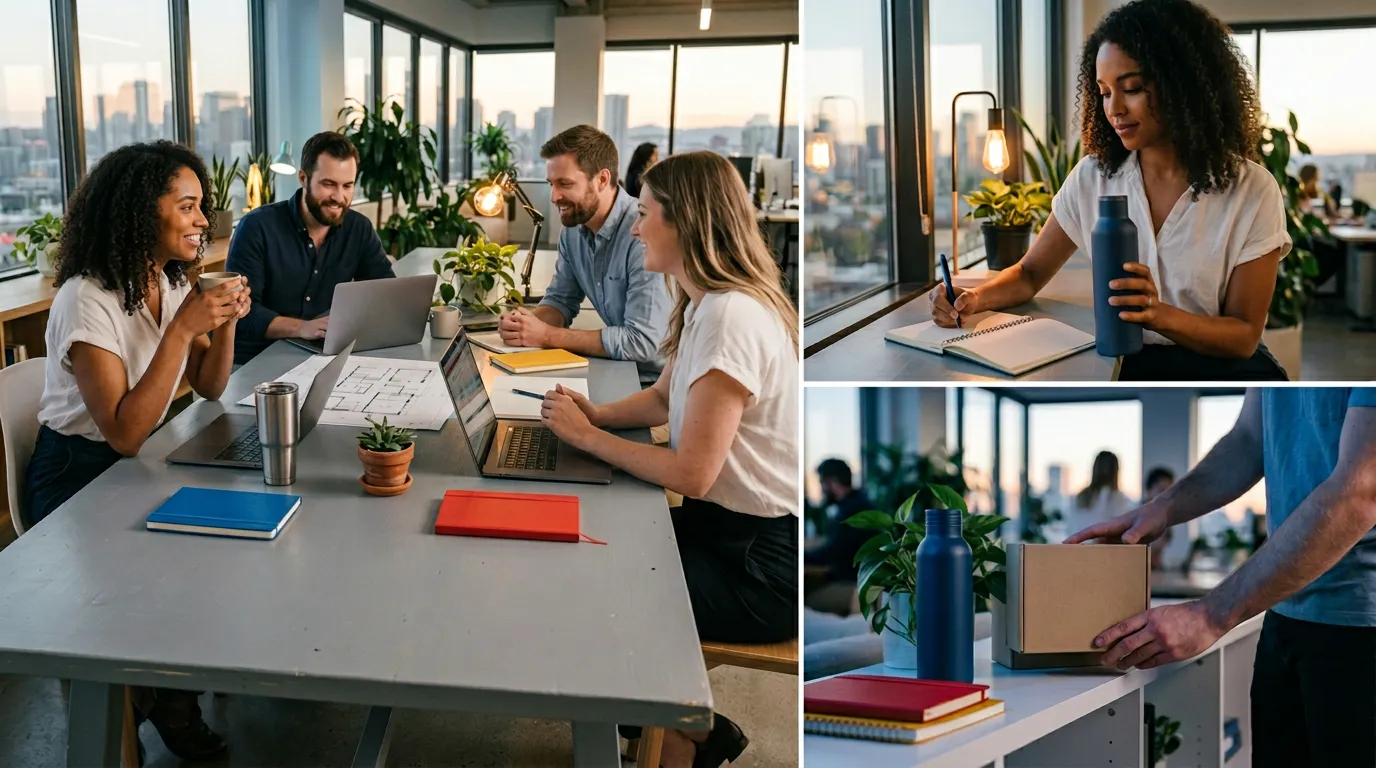
Assets from various sources
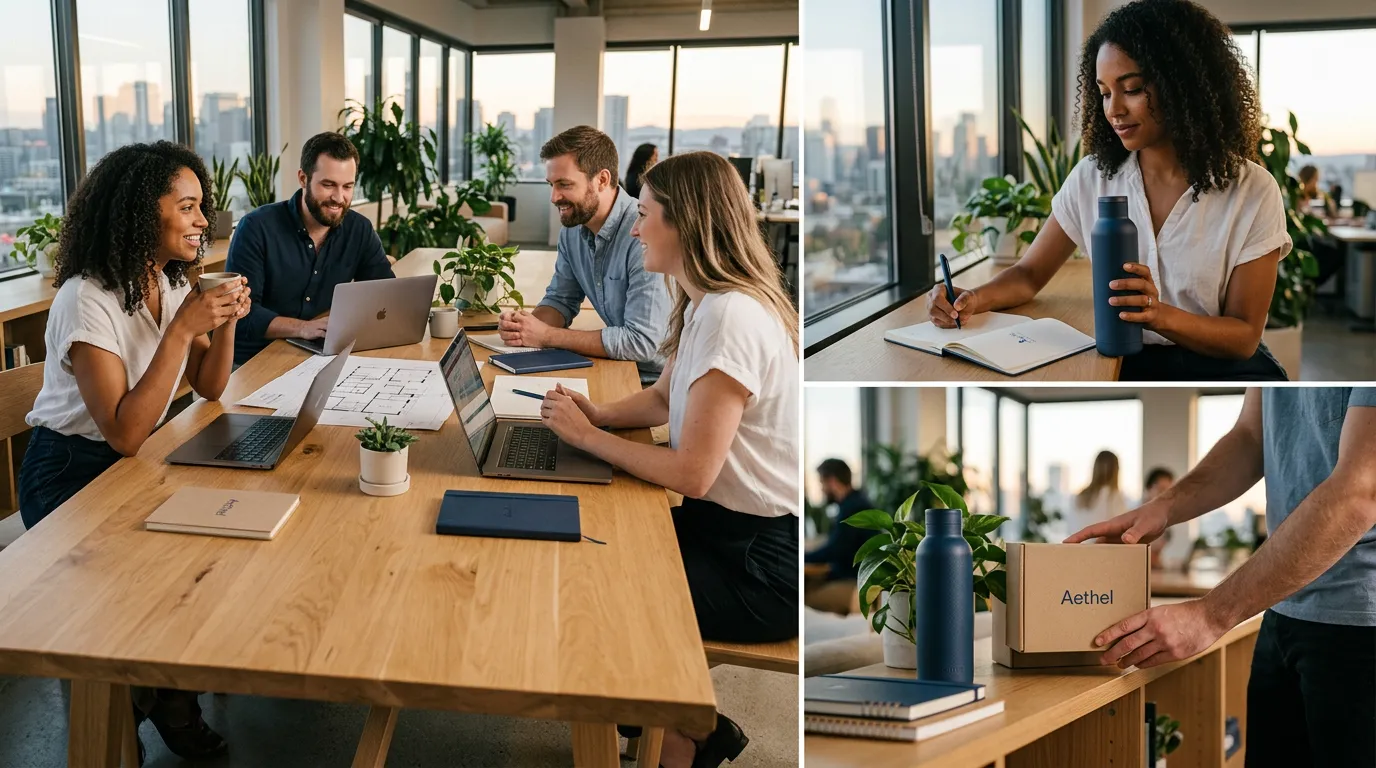
Unified style brand library
For various scenarios
Let one image have different scenes and moods
E-commerce & brands
- Main image unity
- scene replacement
- background optimization
- product upgrade
Games & IP
- Character design extension
- multi-style output
- consistency management
- ongoing production
Design & creativity
- Design sketch refinement
- concept design
- storyboard reference
- style exploration
Advertising & marketing
- Asset reuse
- multi-version testing
- rapid iteration
- cost reduction
Education & publishing
- Illustration style unity
- batch processing
- quality improvement
- time savings
Video & content
- Social media same-character multi-style
- visual consistency
- content scaling
Not "regenerate" but "controllable refinement" Image-to-Image is not about "describing the image" but describing the change
Try nowWhy choose Dovoo AI
Professional tools for real workflows
Multi-model parallel
Different models excel at different styles: photorealistic, anime, commercial illustration, product rendering. No need to switch platforms to test
Controllable strength
Fine-tune change intensity: light (10% change), medium (50%), full redesign (90%). Not "either unchanged or redone"
Real workflow focus
Not entertainment generation, but: design workflow acceleration, commercial asset handling, continuous content production, significant cost reduction. Real productivity gains
How to use
4 steps to get started
Upload image
Sketches, finished work, screenshots, old assets—all supported
Describe changes
Describe what you want to change—no need to describe the whole image
Choose model
Select the best model for your target style
Get results
Iterate and optimize on the result
Showcase
See what users have created
FAQ
Text-to-image starts from scratch; image-to-image modifies existing images, ideal when you need controllable results
Start creating
Ready to accelerate your workflow? Image-to-Image turns "start over" into "precise refinement."
Start creating